
Unlock with
face recognition
Unlock with
fingerprint
Unlock with
PIN
Unlock with
RFID card
Unlock with
SmartLife app
Unlock with
temporary password
Unlock with
key
Select a wooden door
Suitable panel thickness: 40–120 mm
Choose Vista One for your door
Vista One / Feature overview
Thoughtful access, practical protection and everyday convenience.
Vista One / Automatic operation
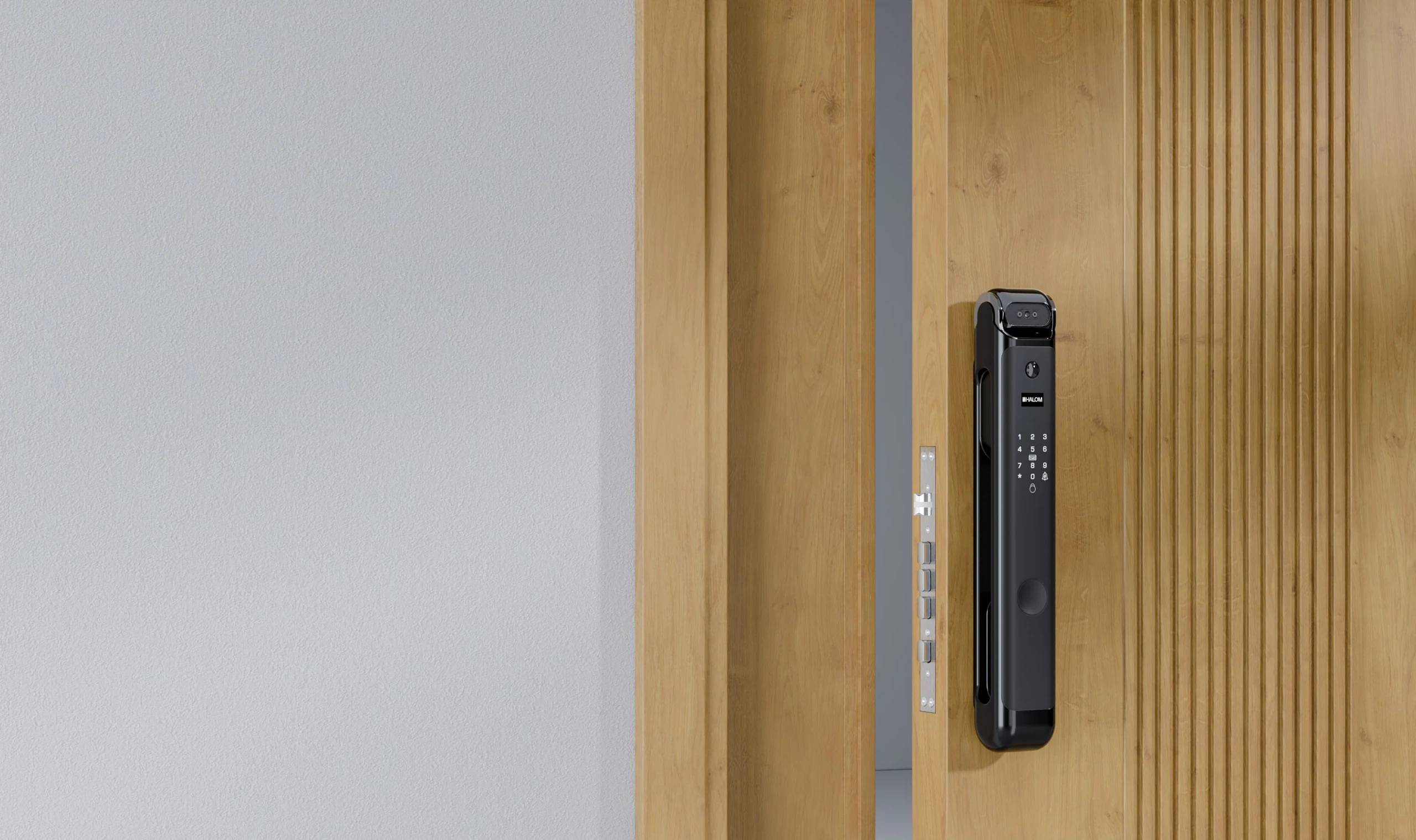
Motorised operation makes opening and closing feel effortless.

Vista One / 3D face recognition
Use 3D face recognition for a touch-free way to enter.
Vista One / Fingerprint access
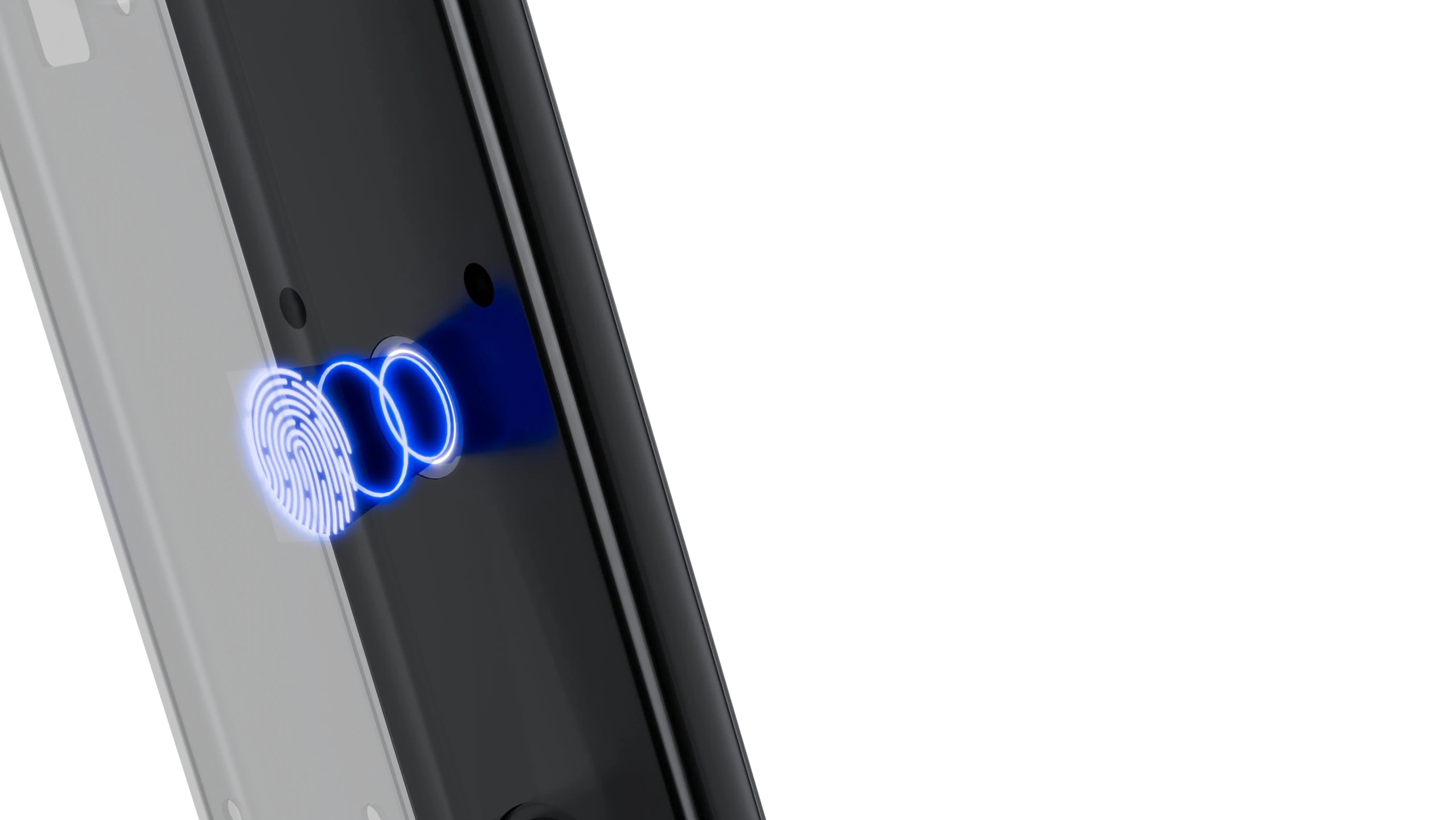
Use your registered fingerprint for convenient everyday entry.
Vista One / PIN protection
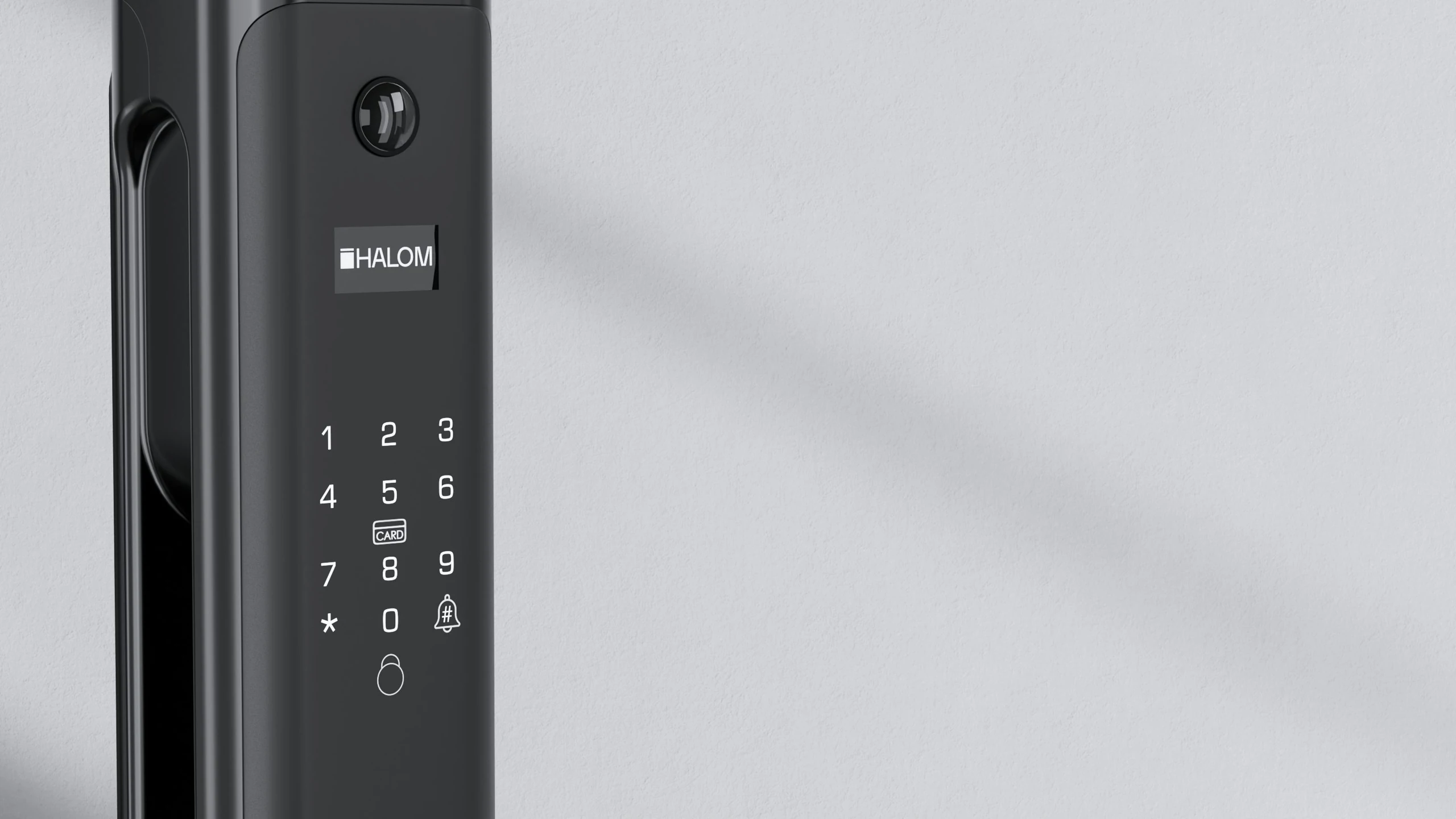
A password gives you another convenient way in.
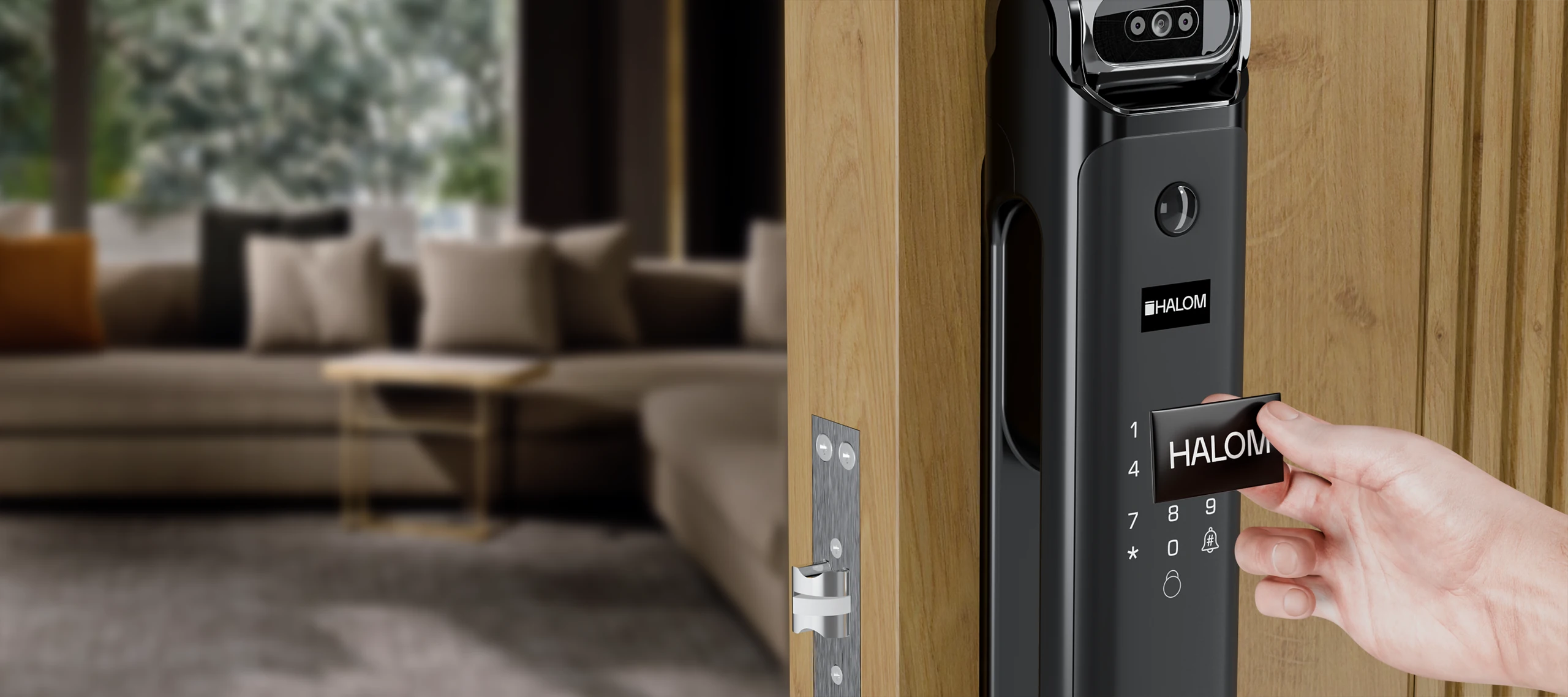
Vista One / RFID access
Present your registered card. Unlock without contact.
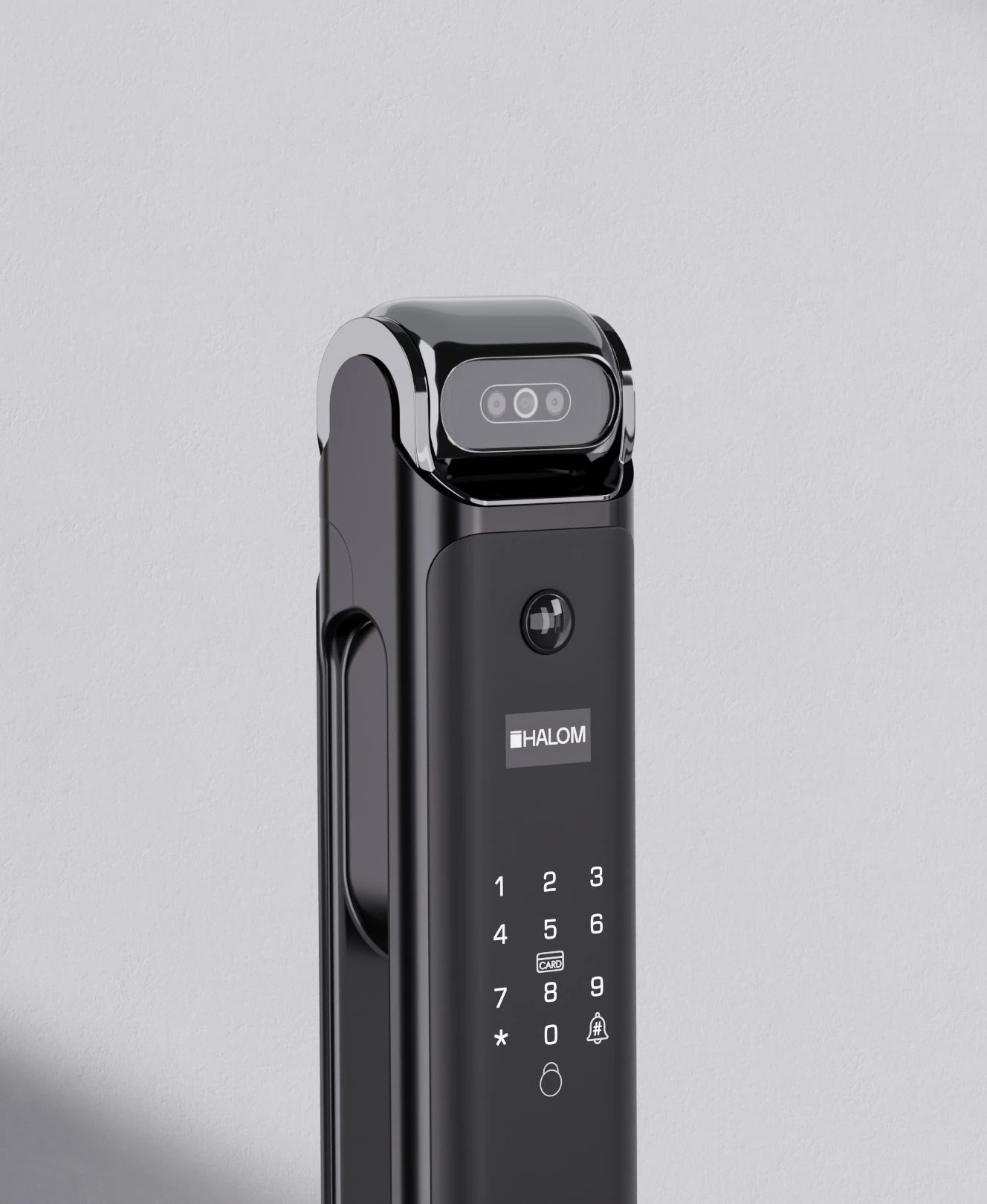
Vista One / Security alerts
Stay aware when your lock needs attention.
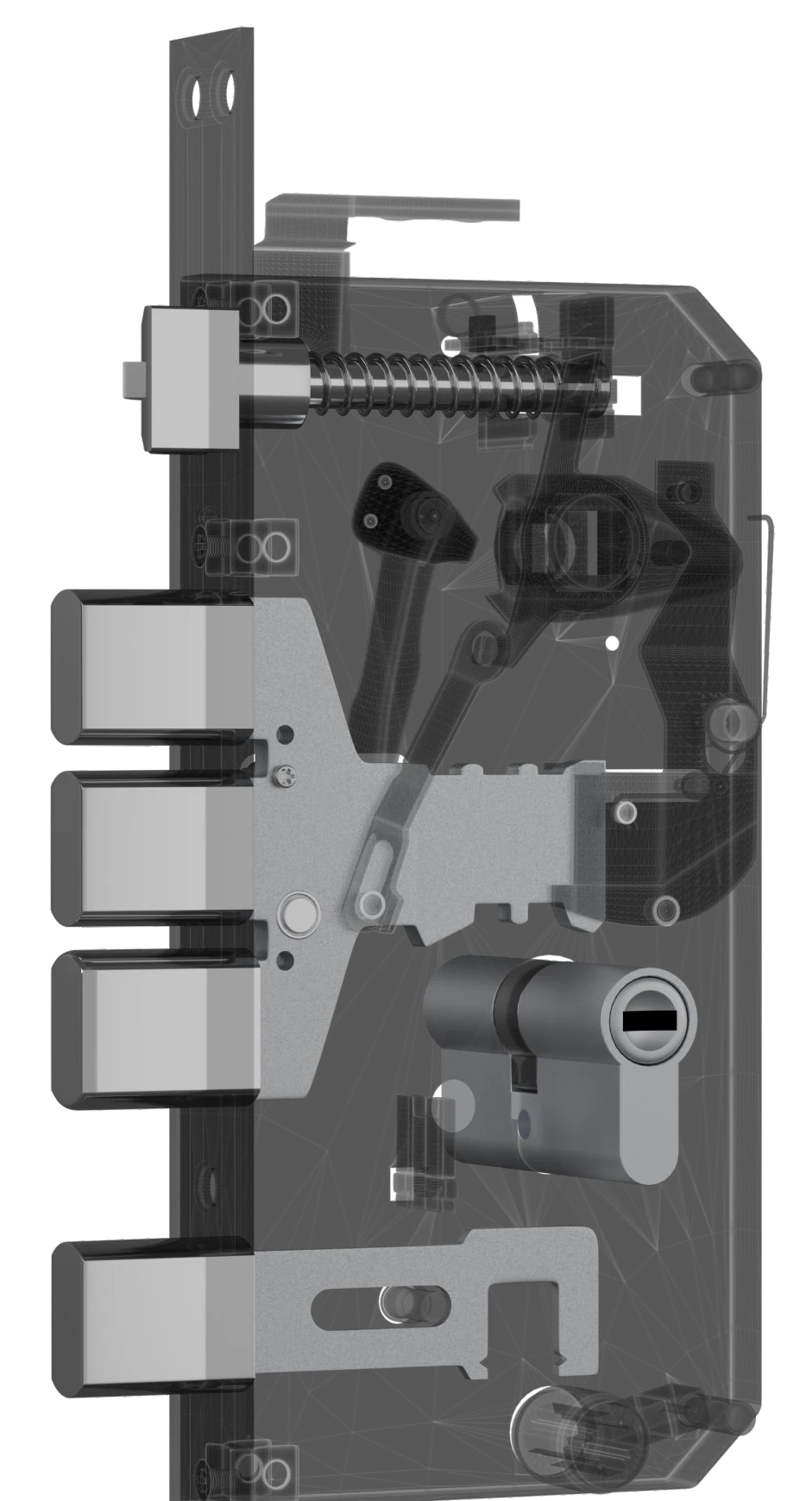
Vista One / Internal lock body
A reinforced internal mechanism supports the security of your entrance.
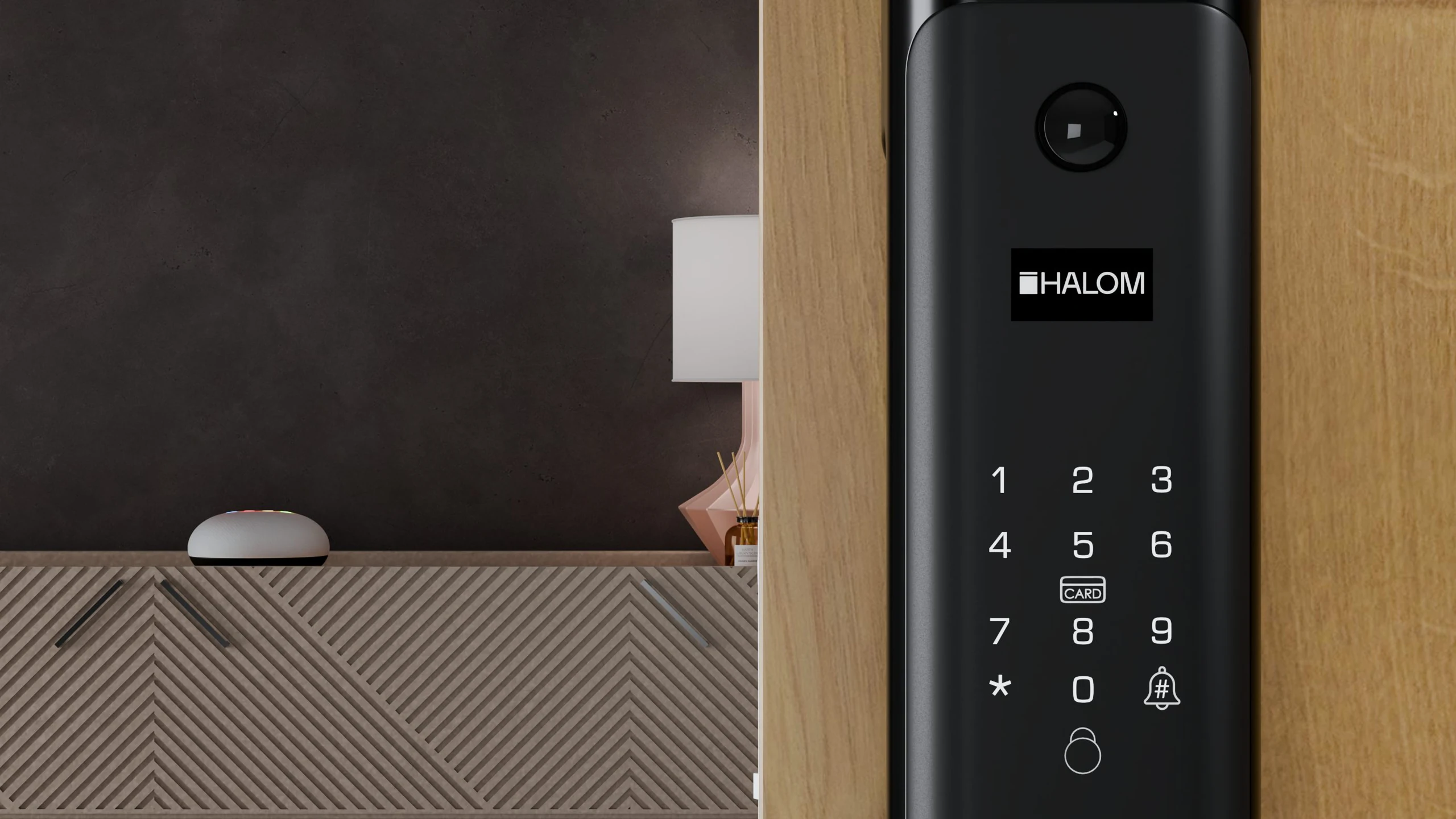
Vista One / Integrated doorbell
Video intercom helps you see and speak to visitors.
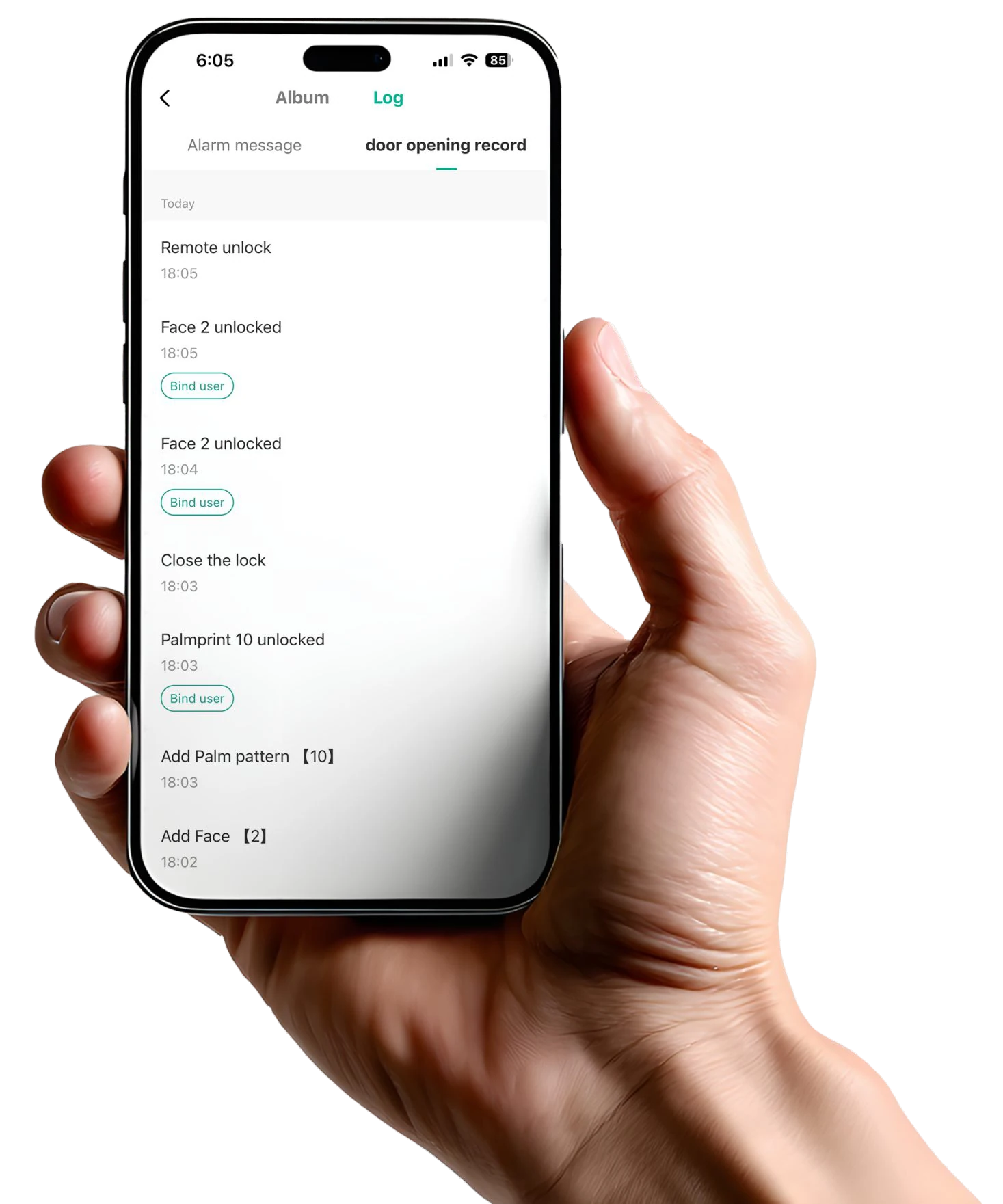
Vista One / App control
Manage users, welcome guests and review activity from your phone.
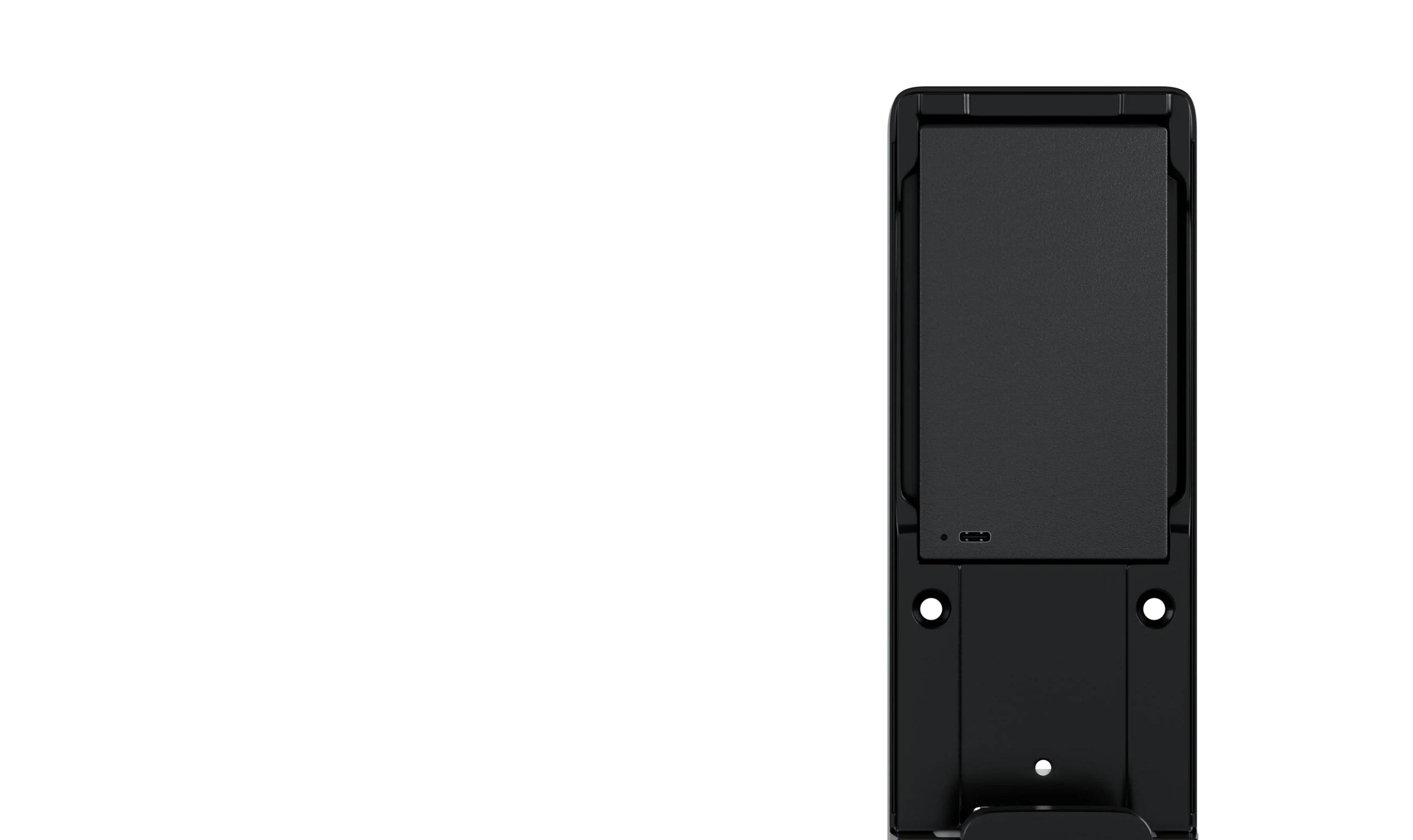
Vista One / Battery & backup
Everyday battery power, with backup options for entry.
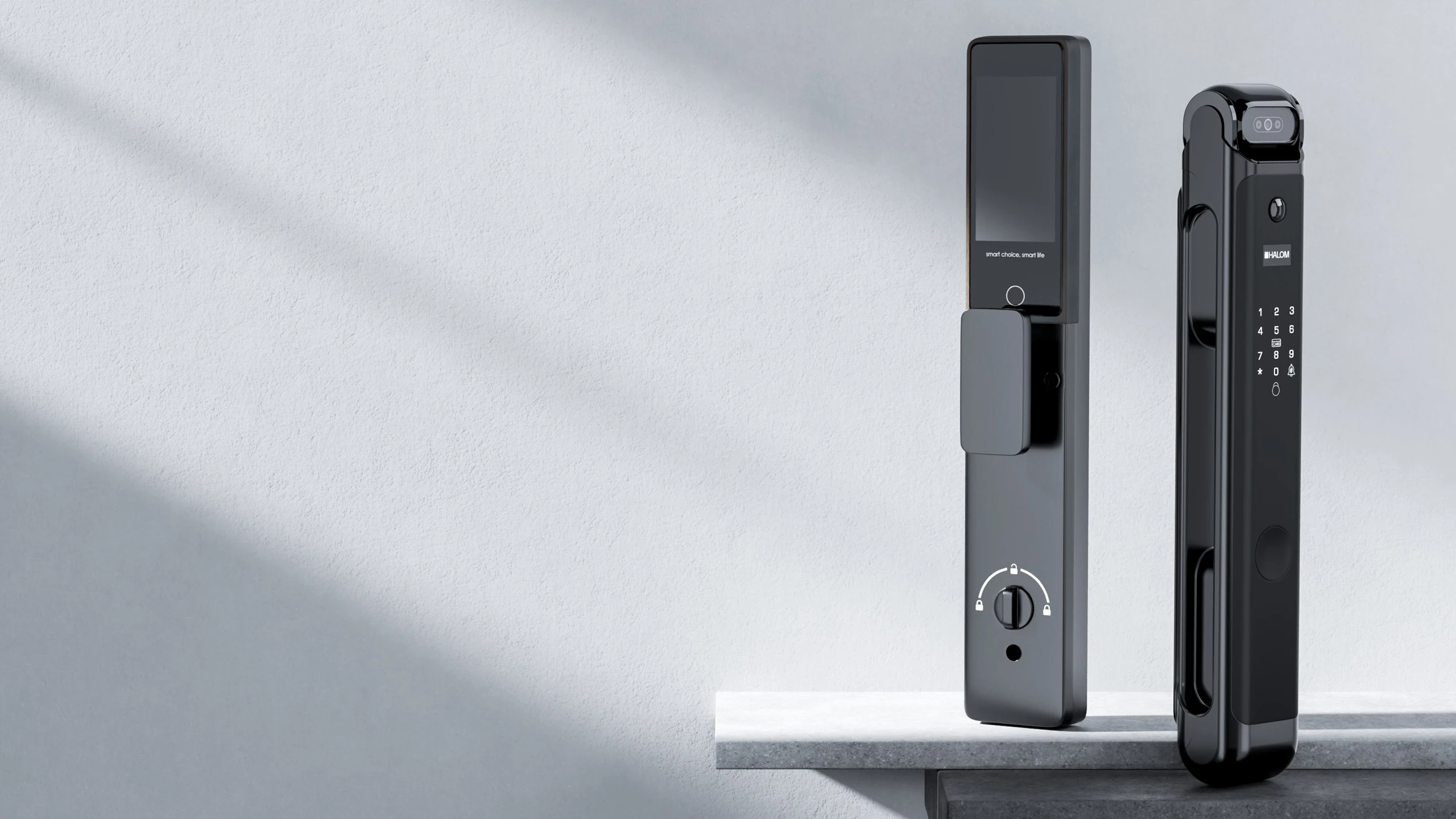
3D face recognition works with automatic motorised operation for a convenient arrival. A hidden fingerprint sensor and other supported access methods give you alternative ways to enter, while the indoor display helps you check visitors.
Compared with Vivo View: adds face recognition (100 faces), 300 entries of capacity instead of 200, and a 5000mAh battery. Compared with Nova Prime: no palm vein recognition, a larger face capacity (100 vs 50) and a single battery.
Additional features include voice guided operation, low battery indication, anti-theft password, smart freeze mode, auto secure alarm and break-in alert. Dual combination lock, privacy lock, temporary passwords, remote access and an audit trail are also included.
Use facial recognition for touch-free verification.
The lock body supports fully automatic operation.
An integrated sensor offers another convenient way to enter.
Check the outside view using the active video intercom display.
Use connected app features to manage access and monitor activity.
Visitors can ring directly from the lock.
Motorised unlocking operates after successful verification. Auto secure/lock is also included. Have your installer check the final locking configuration during setup.
The lock mechanism operates after successful verification.
Automatic locking after closing the door.
Register up to 100 faces for touch-free entry. Fingerprint, RFID, password, app and physical key access remain available.
Register up to 100 faces.
Other listed access methods remain available.
Fingerprint authentication through the integrated sensor. Register fingerprints during setup and use another supported method when needed.
Verify using a registered fingerprint.
Use the sensor for familiar daily entry.
Use a registered password to unlock. Anti-theft password and smart freeze mode are included in the feature list.
Enter your registered password at the keypad.
Hold a registered RFID card at the reader to unlock. A simple contactless option alongside your other access methods.
Present a registered card to the lock reader.
Use the access method that fits your day.
Break-in alert and auto secure alarm are included to help you stay aware when the lock needs attention.
The internal latch and locking components form part of the door lock assembly. Check the required door preparation and dimensions with your installer before fitting.
Part of the internal locking assembly.
The internal locking components support entrance security.
Active video intercom lets you see and speak to visitors before you decide to unlock.
Visitors can ring at the lock panel.
Use SmartLife for connected access, temporary guest passwords and access management. The lock also keeps an audit trail of access events. Connected features need the supported network and app setup.
Lock, unlock and manage access through the SmartLife app.
Give a guest access without sharing your own password.
The lock records access events.
Vista One runs on a 5000mAh rechargeable battery. If the batteries are fully drained, connect a power bank with a Type-C cable for emergency access. The Type-C emergency input is not a battery charging port.
Connect a power bank with a Type-C cable when the battery is drained.
Use the physical key as an alternative way in.